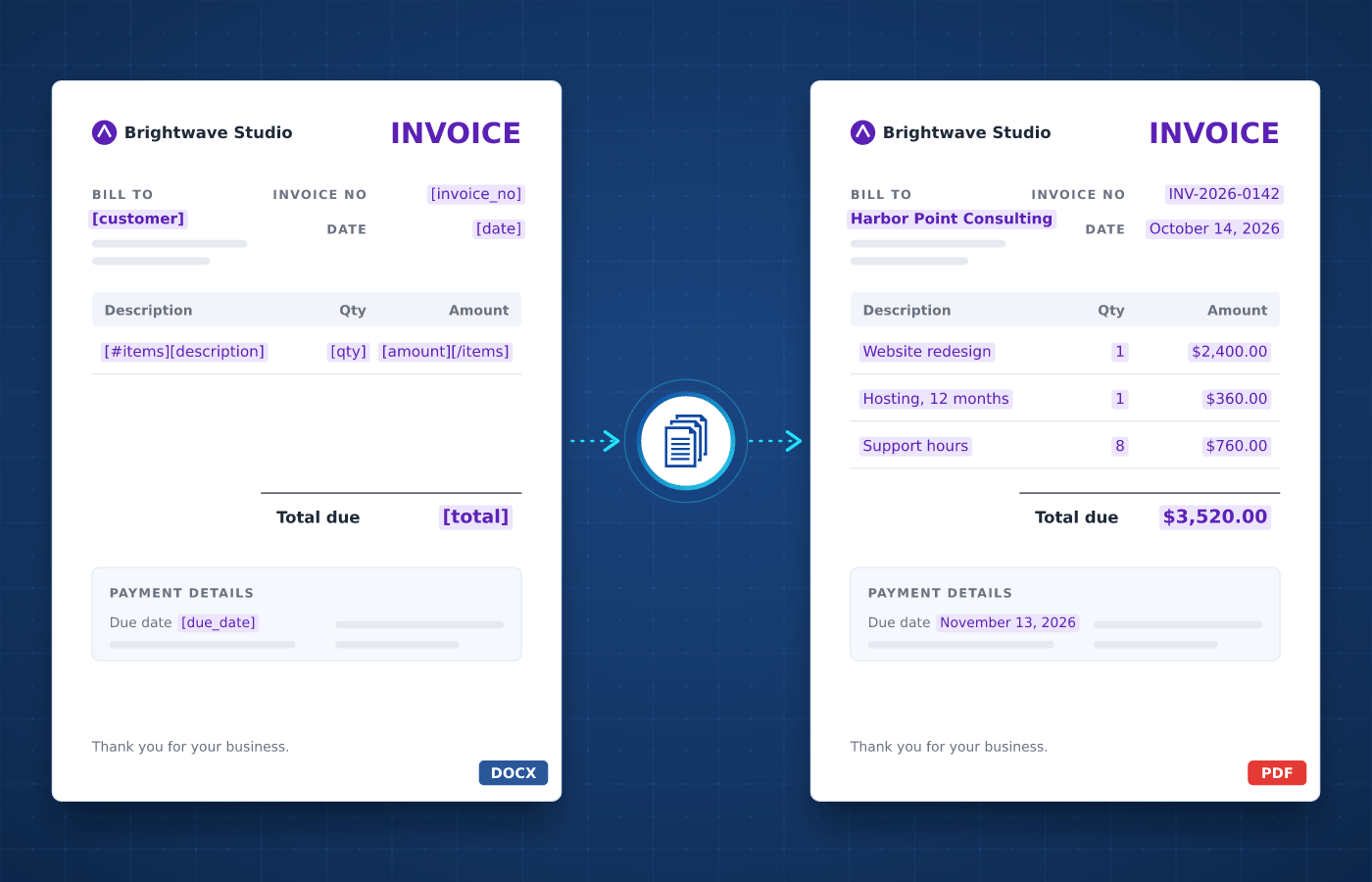
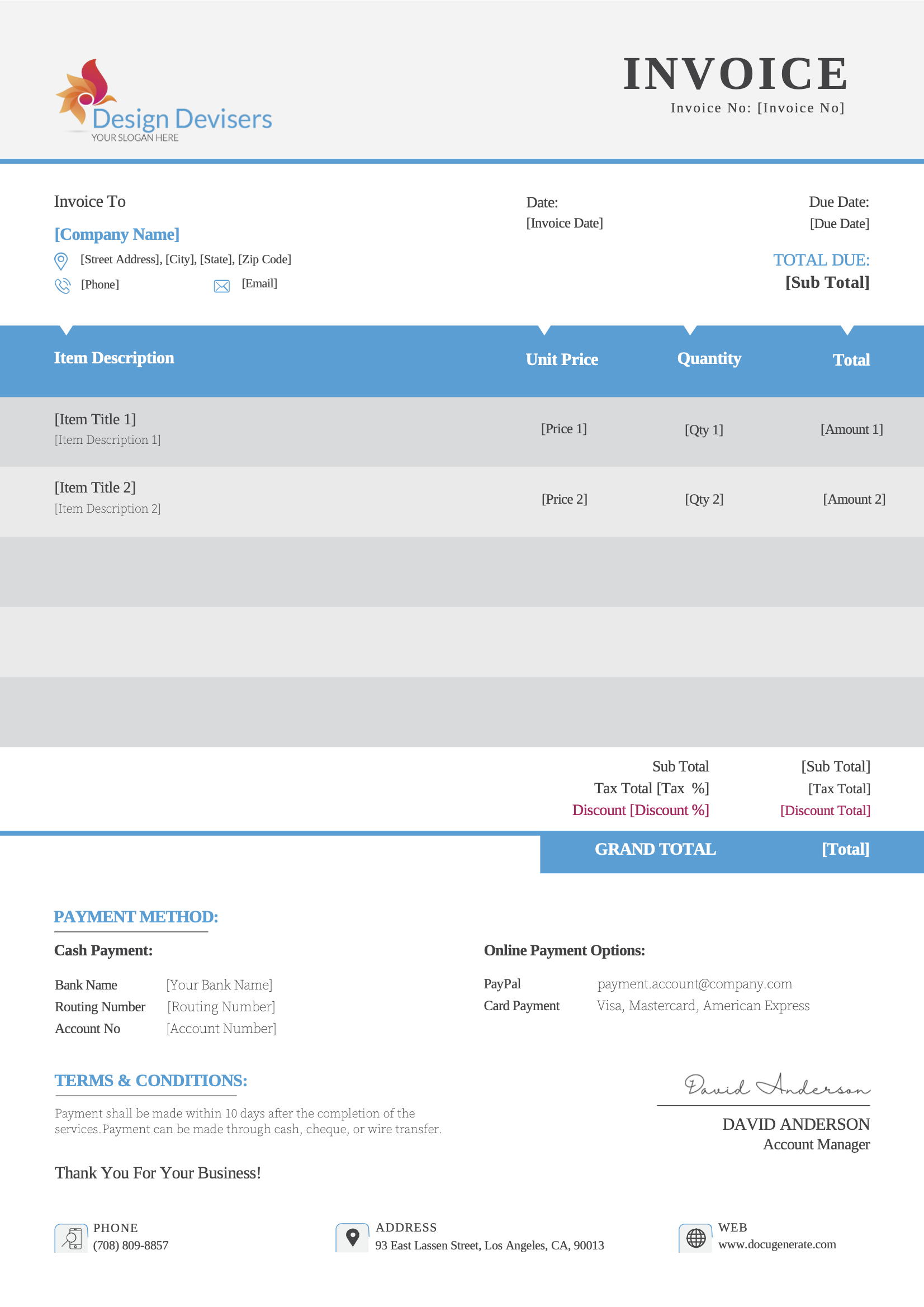
Building invoices by hand usually involves copying customer details, line items and amounts into a document. With automated invoice generation, each one is created with the right items, taxes and totals.
An invoice is a document a seller sends to a customer to request payment for goods or services. It lists what was delivered, the price of each item, the taxes and the total due, along with the payment terms.
Businesses send invoices every day, from one-off sales and monthly subscriptions to project milestones and recurring services. Each invoice follows the same structure, which makes invoices a natural fit for automation.
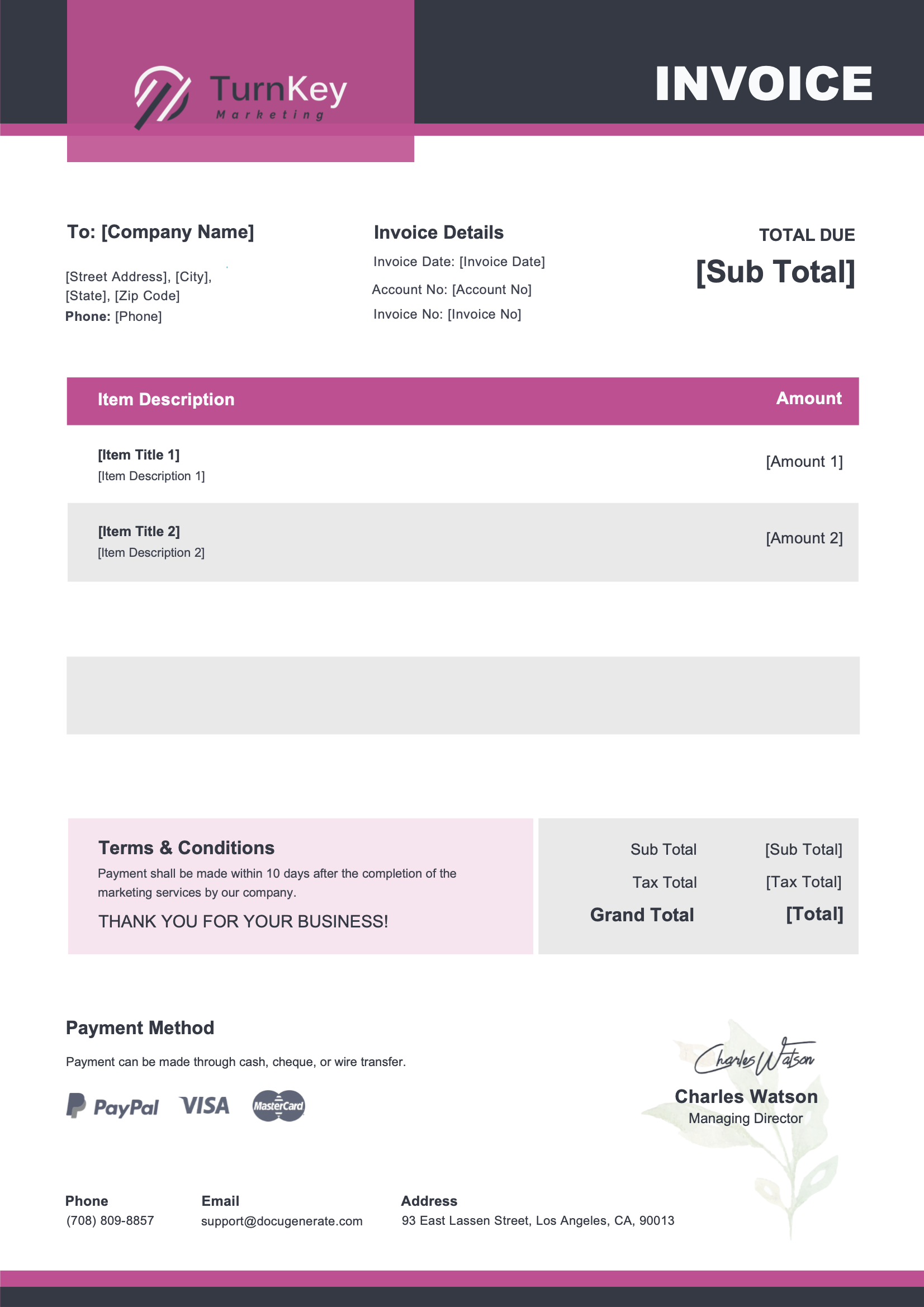
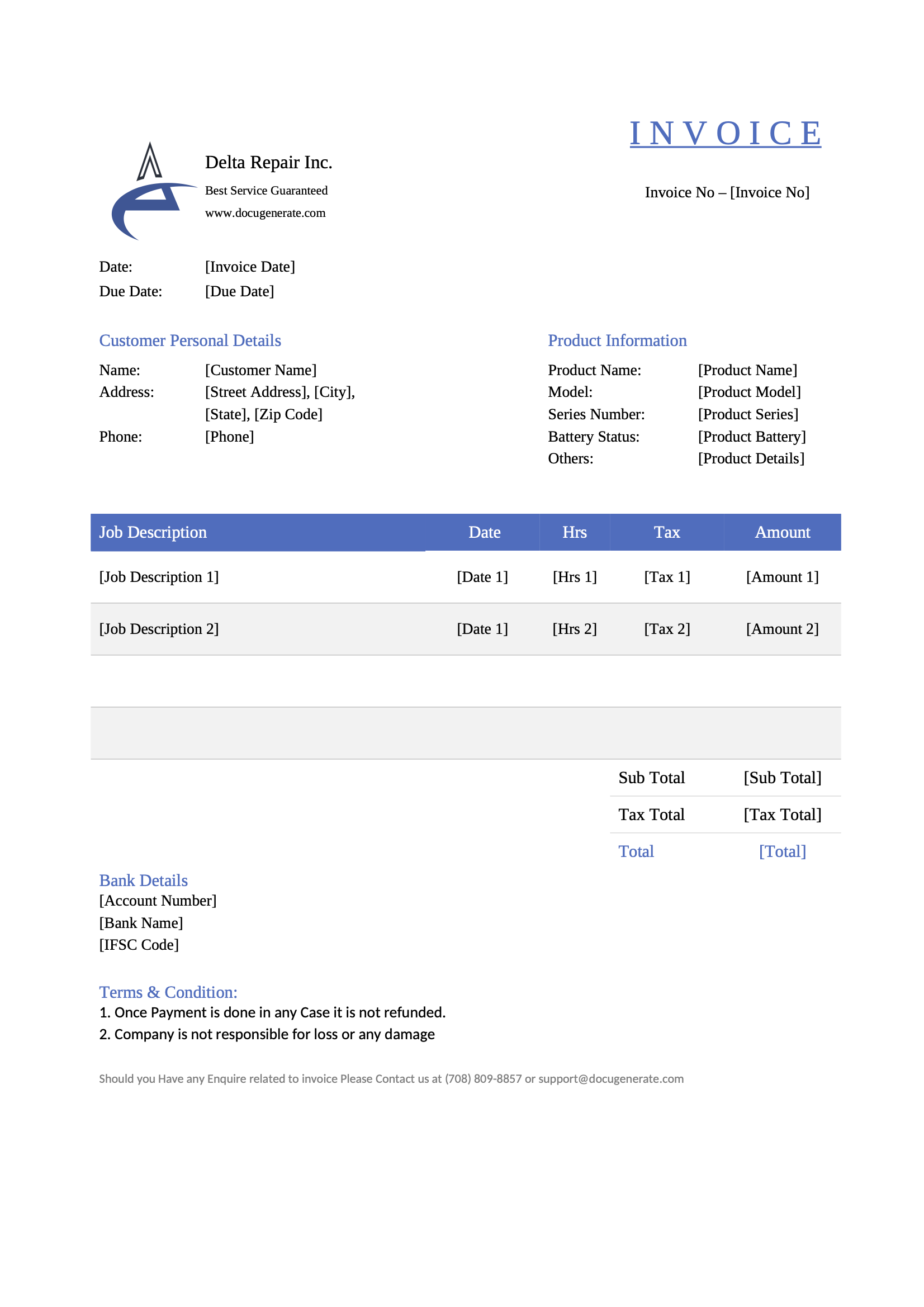
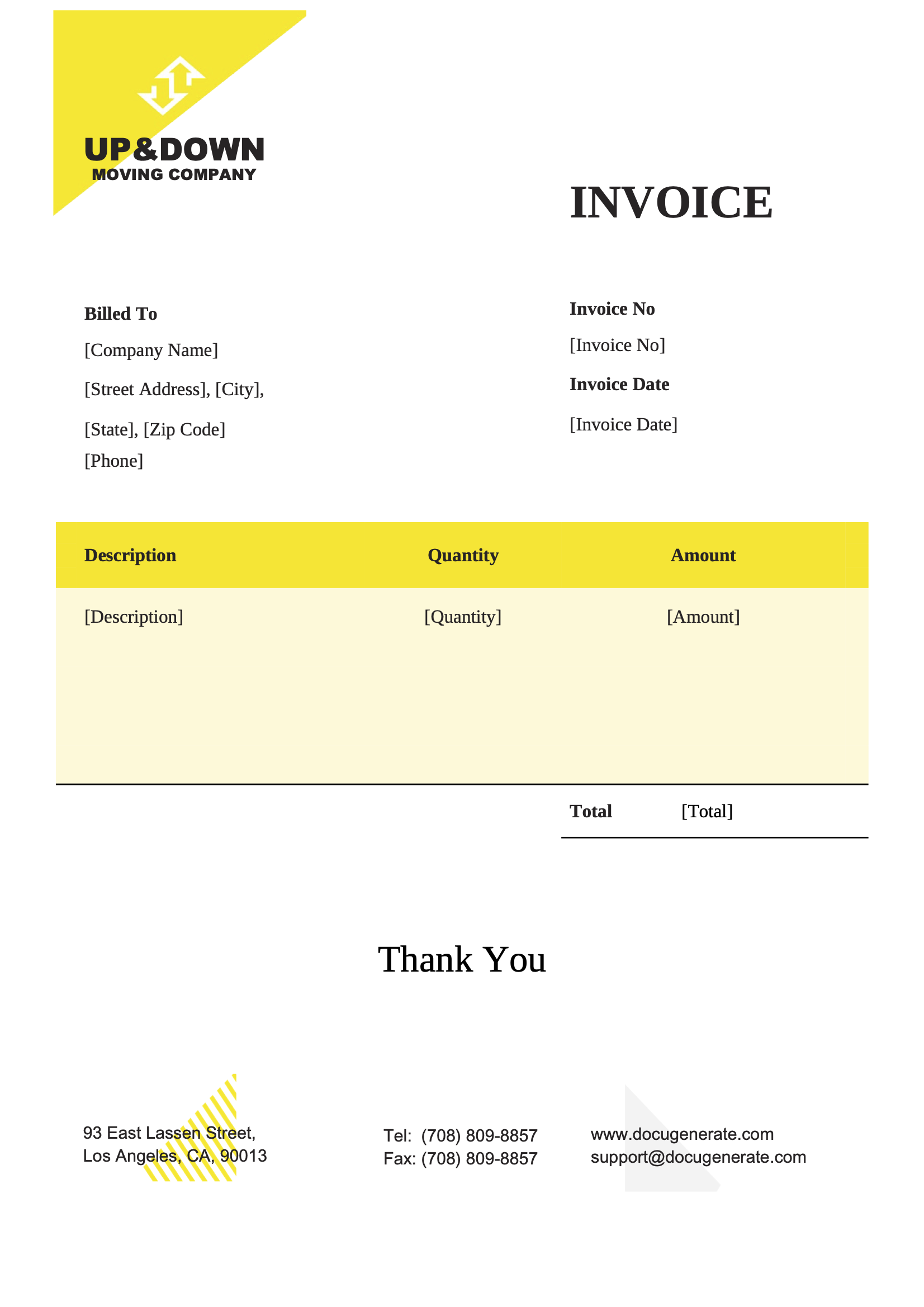
Download a ready-to-use template, adapt it to your needs and generate your first invoice in minutes.
From line items to tax rates, every part of an invoice can be driven by your data.
List the products, services and prices of each invoice in tables that grow automatically with your data.
Learn MoreMultiply quantities by prices and add up subtotals, taxes and totals directly in your invoice template.
Learn MoreShow amounts with the right decimals and separators for your customer's locale, whatever their country.
Learn MoreAdd a QR code to each invoice that links to your online payment page, so customers can pay in seconds.
Learn MoreUpload a spreadsheet and generate one invoice per row, for all your customers in a single run.
Learn MoreCombine all the invoices of a billing run into a single file, ready to print or archive.
Learn MoreCreate ZUGFeRD and Factur-X e-invoices by attaching the XML data to a PDF/A generated from your template.
Learn MoreProcess and store your invoices in the region of your choice to help meet compliance regulations.
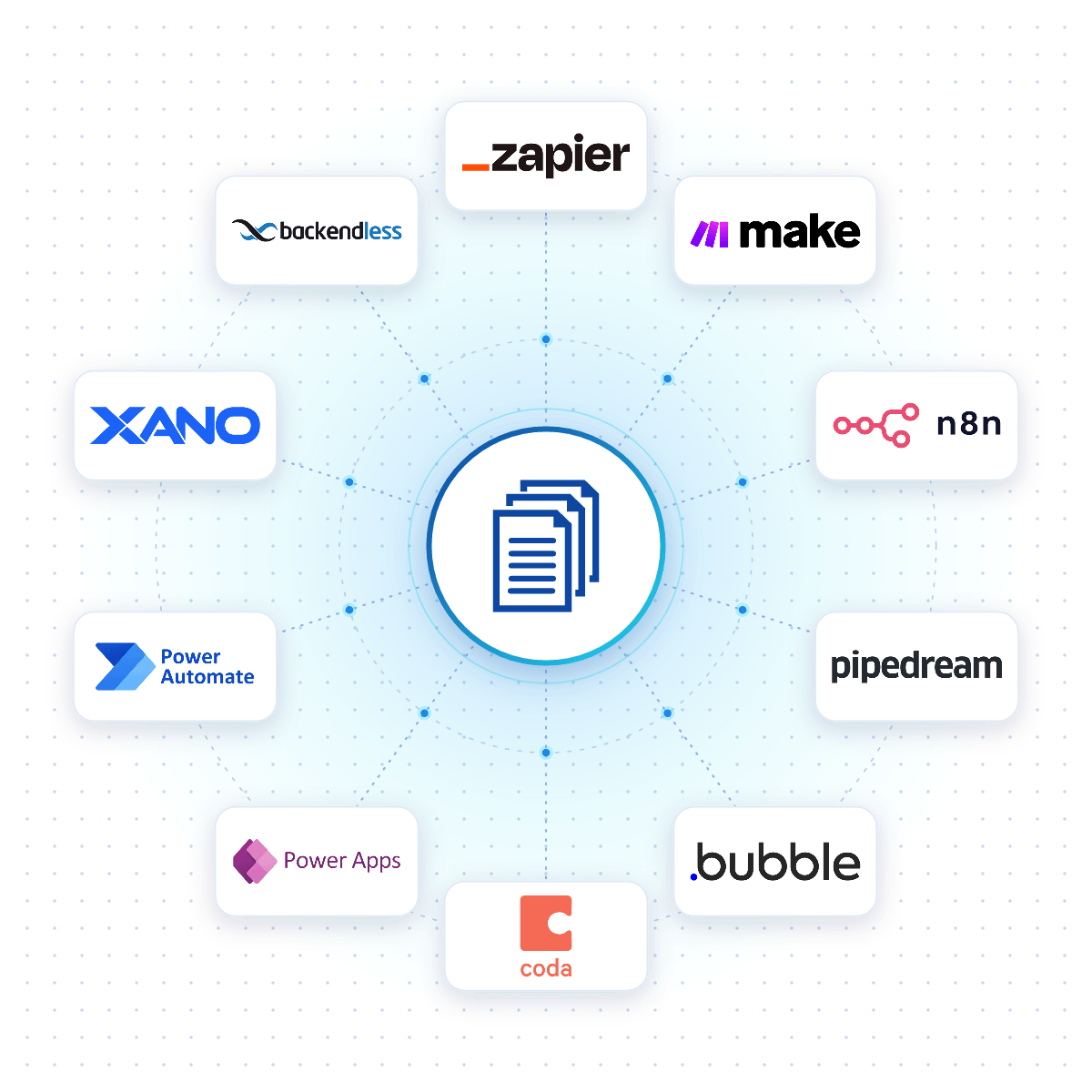
Learn MoreConnect DocuGenerate to Zapier, Make, n8n or Pipedream, and an invoice is created the moment an order is paid, a project milestone is reached or a row is added to your billing spreadsheet.
Native connectors for Bubble, Coda, Power Apps, Xano and Backendless allow your apps to generate invoices reliably from your DocuGenerate templates.
No-Code Integrations
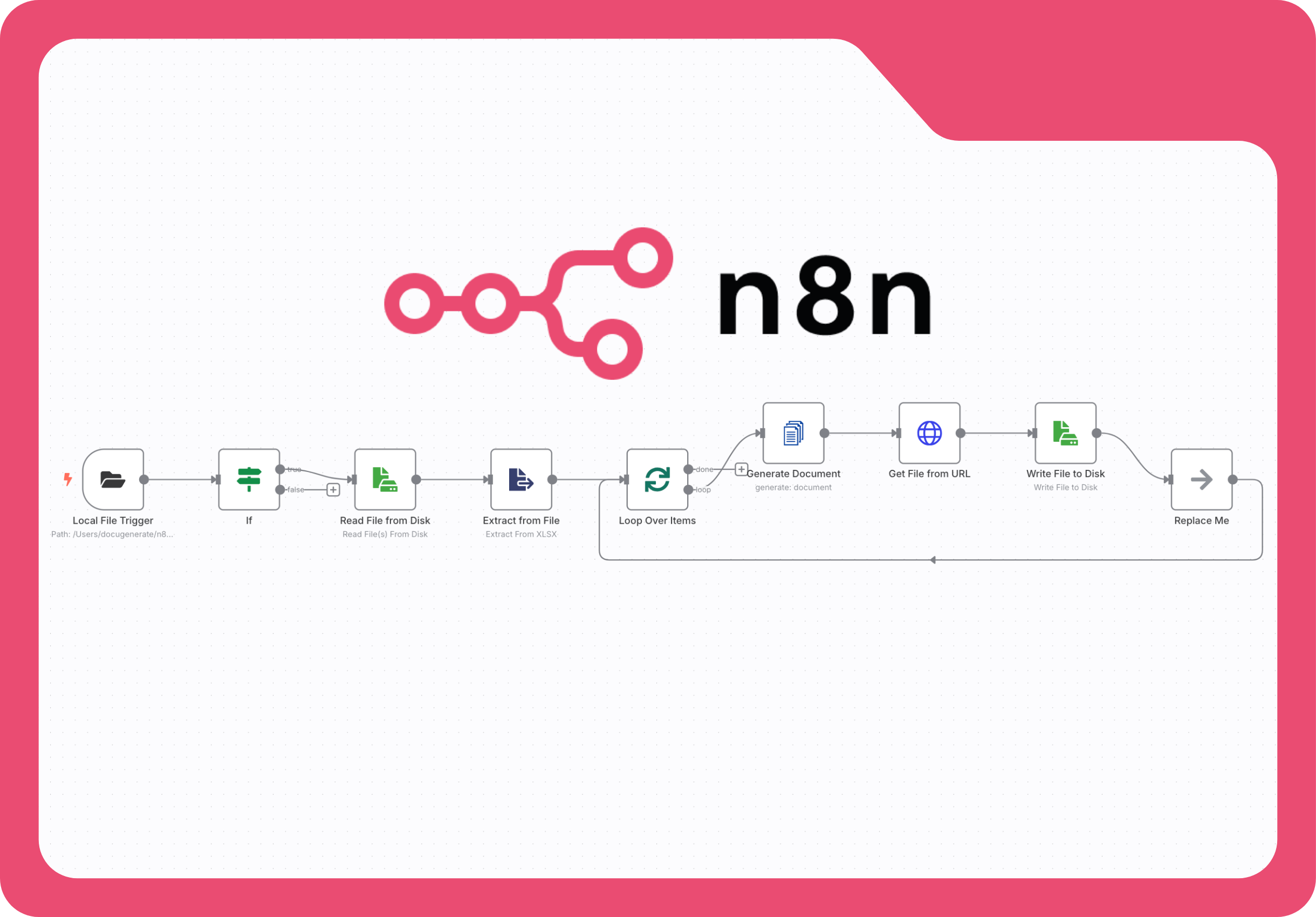
This step-by-step tutorial builds an n8n workflow that watches a folder for Excel files, extracts the billing data and generates professional PDF invoices with DocuGenerate, without relying on multiple cloud-based services.
Questions frequently asked about generating invoices with DocuGenerate
Get started with 20 free documents per month and our ready-to-use invoice templates.